


Word Serenity: Fun Brain Game
4.78.93K Reviews
App Specs
- Version
- 8.3.0
- Updated On
- License
- Free
- Downloads
- 1,000,000+
- Developer
- HI STUDIO LIMITED
- Categories
- Word
- Platform
- Android
Screenshots
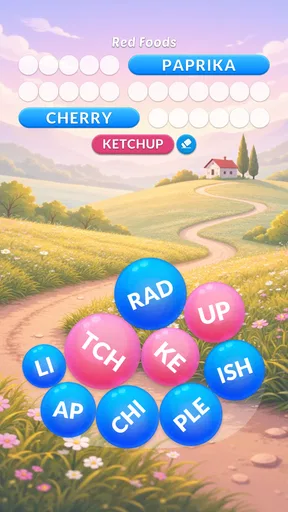
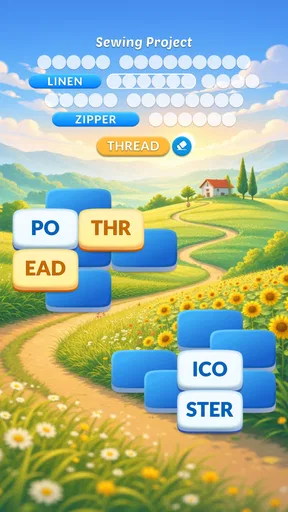
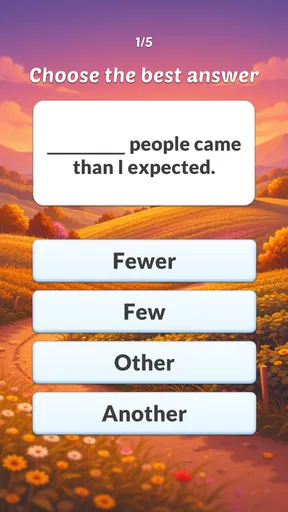
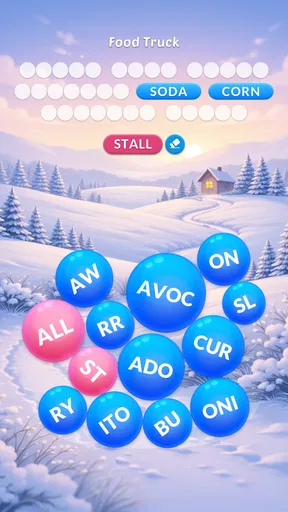
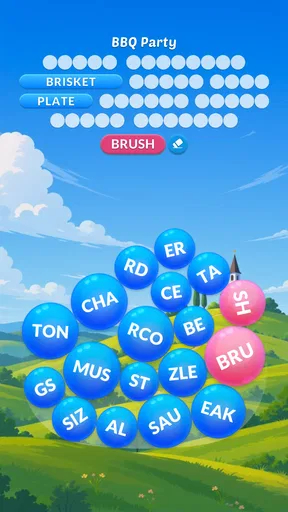
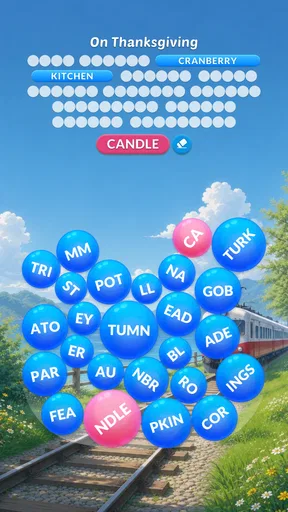
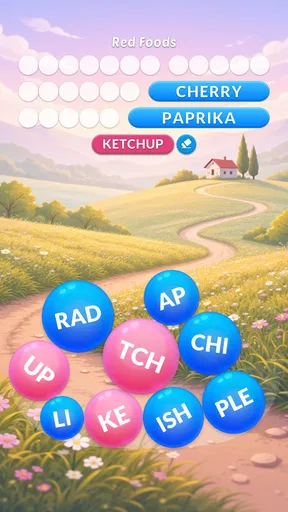
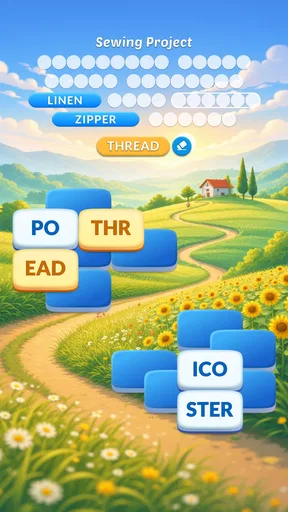
 Analysis by AppCompare
I usually reach for a word game when I want a quiet break that doesn’t ask me to learn a complicated set of rules. Word Serenity: Fun Word Search fits that mood: it puts letter-finding puzzles at the center and keeps the basic idea easy to understand. I can picture it working well on a shared household tablet, too, as long as everyone treats progress and purchases as belonging to the person using the device at the time.
Getting Started with Word Serenity
First off, installing Word Serenity: Fun Word Search is a breeze. Available on both Android and iOS, it’s just a quick download away. Once you fire it up, you're greeted with a clean, user-friendly interface that’s super inviting. The game design is simple yet effective, with a calming color palette that sets the tone for a relaxing experience. Trust me, it’s perfect for winding down after a hectic day.
It’s a free word game from HI STUDIO LIMITED, with optional in-app purchases ranging from $0.99 to $99.99 per item. I’d keep that in mind if a child or another family member uses the same device: free to start doesn’t mean every optional purchase is free. Before handing over a phone, I’d check the device’s purchase settings and explain that spending needs the account holder’s permission. That small bit of household housekeeping matters more than any puzzle strategy.
Gameplay That Keeps You Hooked
The premise is straightforward: find hidden words in a grid of letters. But don’t let the simplicity fool you. With hundreds of levels, each puzzle challenges you to think outside the box. The grids start small, making it easy to get the hang of things, but they gradually increase in size and difficulty, keeping you on your toes.
What I love most is the variety. Each level comes with different themes ranging from nature to food, and even pop culture references. This keeps the game fresh and exciting, as you never quite know what the next challenge will bring. Plus, there are daily challenges and bonus words that reward you with extra points, adding an extra layer of excitement.
That mix gives the game a useful rhythm for shared use. One person can finish a puzzle and pass the device along, while someone else can take a turn when there’s a spare moment. I’d still agree on whose turn it is rather than assume the game will manage household turns or separate everyone’s progress. If more than one person wants a personal record of play, using separate devices is the clearer boundary; a single shared screen is better treated as a communal pastime.
The Joy of Finding Words
If you’re a fan of word games, you know the thrill of finding that elusive word you've been staring at for minutes. Word Serenity captures this joy perfectly. The app encourages a bit of strategy too. You can earn bonus points by finding extra words that aren't part of the main puzzle, which is a neat little incentive to keep exploring the grid.
Worth Reading Before You Choose

EA SPORTS FC Mobile 26 Is a Bigger Football Game, but It Takes Time

Flipboard Shows What News Apps Must Do Beyond the Feed

Switching to Android Auto Means Rethinking Your Driving Routine

Google Calendar Makes a Crowded Week Easier to Manage

Ludo King Makes the Most of the Minutes Between Plans

Baby Panda World Brings Quick Play to Modern Phones, but Its Game Library Feels Busy
The game is designed to be relaxing, with no time limits or pressure. You’re free to take your time and enjoy the process. And if you ever get stuck, there are hints available to nudge you in the right direction without giving too much away.
Here’s a practical way I’d use those hints: first scan the grid for short, familiar letter patterns, then check the theme for likely vocabulary before spending help on a stubborn section. Extra words make a good second pass after the listed targets are found, so I wouldn’t chase every possible combination while still trying to solve the main puzzle. That approach keeps hints useful rather than turning them into the first move whenever a level slows down.
For a normal day, I can imagine opening it while waiting for a kettle, sitting through a short break, or sharing a quiet stretch in the living room. The lack of a countdown suits those stop-and-start moments: I don’t have to rush to finish just because something else is about to happen. If I’m looking for a game that rewards quick reflexes or a competitive head-to-head match, though, this is not the kind of word play I’d choose.
Why It Stands Out
What sets Word Serenity apart from other word search games out there? It’s all about the seamless blend of challenge and relaxation. The developers have clearly put a lot of thought into balancing these elements, making it an app that you can pick up anytime for a quick mental workout or a long, leisurely session.
Moreover, the app runs smoothly without any annoying ads interrupting your gameplay. This uninterrupted experience is a huge plus in my book. It’s just you, the letters, and the serene music playing in the background—pure bliss.
Compared with a traditional printed word-search book, this gives me a more guided sequence of puzzles and the added option of hints, while paper is easier to share without passing around a device or thinking about purchases. Compared with crossword games, the focus here is scanning letter grids rather than working out intersecting answers from clues. I’d pick this when I want a gentle visual search; I’d choose a crossword when I want more clue-solving, or a competitive word game when I want to test myself against another person.
One trade-off is that the relaxed pace may feel too gentle if you want a sharply escalating challenge or a strong social component. Thematic variety helps keep the levels from feeling identical, but the core activity remains searching a grid. If that basic loop doesn’t appeal to you, extra themes and bonus words probably won’t change your mind. I’d also use the optional hints sparingly if solving unaided is the main pleasure; help can ease a snag, but it naturally takes away some of the discovery.
Sharing a Device, Setting Expectations
For a household, I’d introduce the game as something people can take turns enjoying, not as a family account with guaranteed personal boundaries. The age rating is Everyone, which makes the general puzzle premise suitable for a broad audience, but that label doesn’t replace an adult’s judgement about a particular child’s device use. The most important practical boundary is still purchase access: if younger players can use the device, I’d make clear that they should ask before tapping any purchase option.
It also helps to agree on a simple handoff routine. A player can finish a level before passing the device on, or stop at a natural pause if the household is sharing one screen. Since I wouldn’t assume the game provides separate family profiles or a turn-taking system, I’d avoid promising that each person will have an isolated experience on one device. For a quick, informal round together, that limitation is easy to live with; for carefully separated personal progress, it’s a reason to use individual devices or pick a game built around distinct player accounts.
The game first appeared on February 2, 2020, and its current version is 4.3.4. It requires Android 7.0 or later. Those details are useful if you’re checking an older household phone before installing: the operating-system requirement is the practical compatibility check, while the current version tells you which release to look for in the app catalog.
Who I’d Recommend It To
I’d recommend it to someone who likes word searches, wants a calm solo activity, or enjoys passing a puzzle game around casually. It has a 4.7 average from around 28,000 ratings, and it has passed one million installs, so it has found a sizeable audience. Those figures are reassuring context, but they don’t tell me whether its unhurried style will suit you; the best test is whether you enjoy scanning letters without a timer pushing you along.
I’d skip it if your idea of a good word game depends on timed rounds, elaborate story progression, direct multiplayer, or demanding clue chains. It is also not my first pick when I want a screen-free activity for a group: a printed puzzle is simpler to pass around and doesn’t bring optional digital purchases into the situation. The game makes more sense for a quiet individual break or a low-key shared turn than for a lively party game.
Conclusion: A Must-Try for Word Lovers
In a sea of word games, Word Serenity: Fun Word Search definitely makes a splash. Whether you’re a seasoned pro or a newbie to word puzzles, this app offers something for everyone. It’s a delightful mix of fun and relaxation, with enough challenges to keep you coming back for more.
So, if you’re on the hunt for a new game to test your vocabulary and keep your mind sharp, give Word Serenity: Fun Word Search a try. I promise, you won’t be disappointed!
Ready to embrace the serenity? Download it now and start your word adventure today!
Pros
- Engaging and challenging puzzles.
- Visually appealing interface.
- Daily rewards to keep you motivated.
- No internet connection required.
- Suitable for all age groups.
Cons
- Ads can be intrusive at times.
- Limited hints without purchase.
- Levels may become repetitive.
- In-app purchases can be pricey.
- Requires frequent updates for new content.
FAQs for Word Serenity: Fun Brain Game
What is Word Serenity: Fun Word Search?
Word Serenity: Fun Word Search is a relaxing, puzzle-based word game available on Android and iOS platforms. It challenges players to find hidden words within a grid, with each level increasing in difficulty. The game is designed to enhance your vocabulary and cognitive skills while providing a serene gaming experience.
Is Word Serenity free to play?
Yes, Word Serenity: Fun Word Search is free to download and play. However, it includes optional in-app purchases for players who wish to enhance their experience with additional features, such as hints or ad-free gameplay. These purchases are not necessary to enjoy the full game.
What are the main features of Word Serenity?
Word Serenity offers a variety of features, including a plethora of levels with increasing difficulty, calming background music, and daily challenges to keep you engaged. It also includes a hint system to help players when they’re stuck and beautiful themes to customize the game’s appearance.
Can I play Word Serenity offline?
Yes, Word Serenity can be played offline, making it an excellent option for users who want to enjoy the game without needing a constant internet connection. However, some features, like daily updates or leaderboard access, may require an internet connection.
Is Word Serenity suitable for all ages?
Word Serenity is designed to be family-friendly and suitable for players of all ages. Its intuitive interface and engaging puzzles make it accessible for children, while the increasing difficulty and diverse vocabulary offer a challenging experience for adults.


